
Docs

How to build your site with litetile.

Start with the five getting-started guides, then come back for the details.
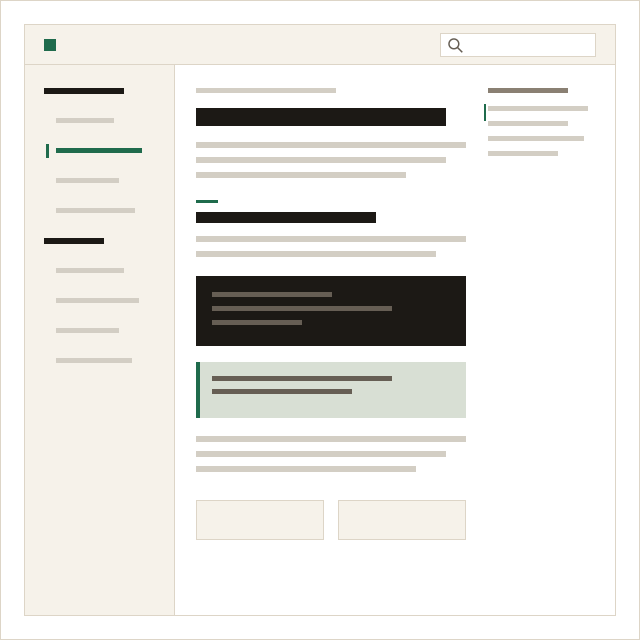
A docs page: the sidebar of pages, the article with a code sample, the list of its parts and links to the previous and next page.

Start here.

  • Getting started

    Create your site, tell AI about your business, edit and publish.

    Get started
  • Tutorials

    End-to-end walk-throughs, from a one-page site to a help centre.

    Tutorials
  • Editing pages

    The editor, blocks, text, links, images and the library.

    The editor
  • Pages

    Add, organise, unpublish and restore pages.

    Pages
  • Blocks reference

    Every block, what it is for and its options.

    Blocks
  • Brand

    Colours, fonts, logos, corners and buttons.

    Brand

Reference.

  • Header and footer

    Designs, menus, buttons, links and social profiles.

    Header and footer
  • Media

    Uploads, free stock photos and image descriptions.

    Media
  • AI

    Drafts, rewrites, your allowance and your own assistant.

    AI
  • Languages

    Add a language and translate pages.

    Languages
  • Search and AI assistants

    Titles, descriptions, checks and what each publish writes.

    Search and AI
  • Publishing

    Publish changes, checks and rolling back.

    Publishing
  • Domains

    Your litetile address and your own domain.

    Domains
  • Blog and docs

    Posts, tags and categories, and docs areas.

    Blog and docs
  • Settings

    Site settings, custom code and deleting a site.

    Settings
  • Account and billing

    Plans, billing and your account.

    Account and billing
  • Troubleshooting

    The messages you may see, and what to do.

    Troubleshooting

Still stuck?

Write to [email protected]. Studio customers are answered first.