Being found
Built to load fast and be found.
Search engines and AI assistants read your site the moment you publish. There is nothing to install or configure.
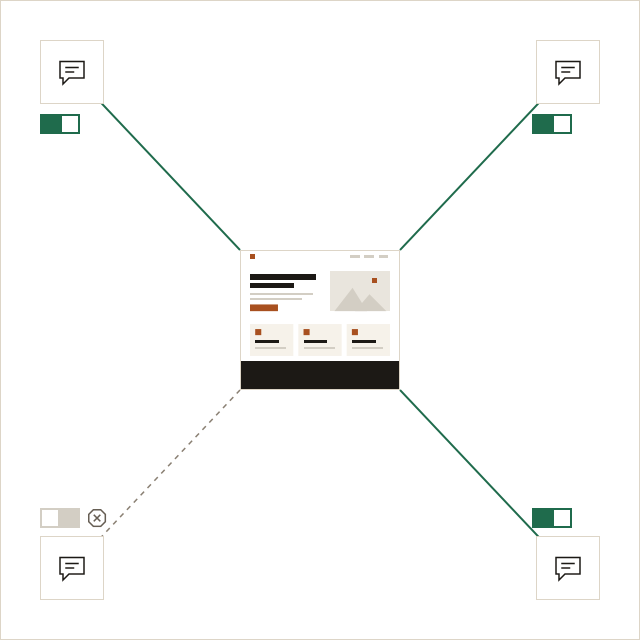
Fast by construction.
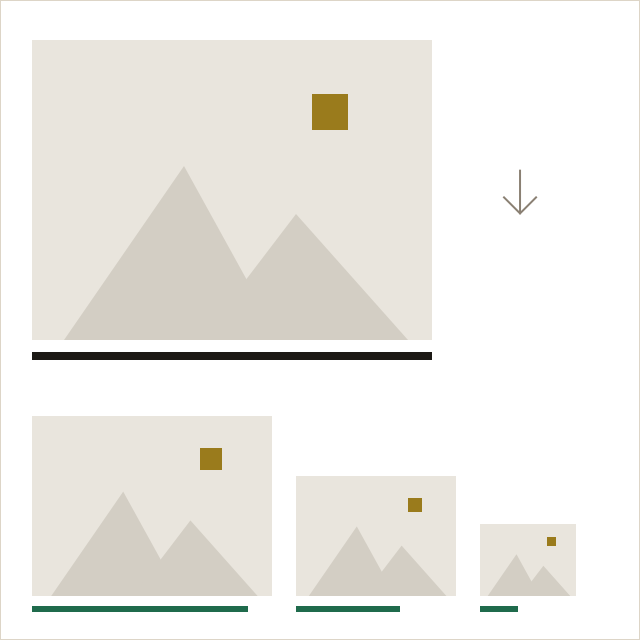
Pages are published as plain, light pages. Photos are resized for each screen and videos converted for the web.
- No heavy scripts on your pages
- Images in the right size for each screen
- Served from a network close to your visitors
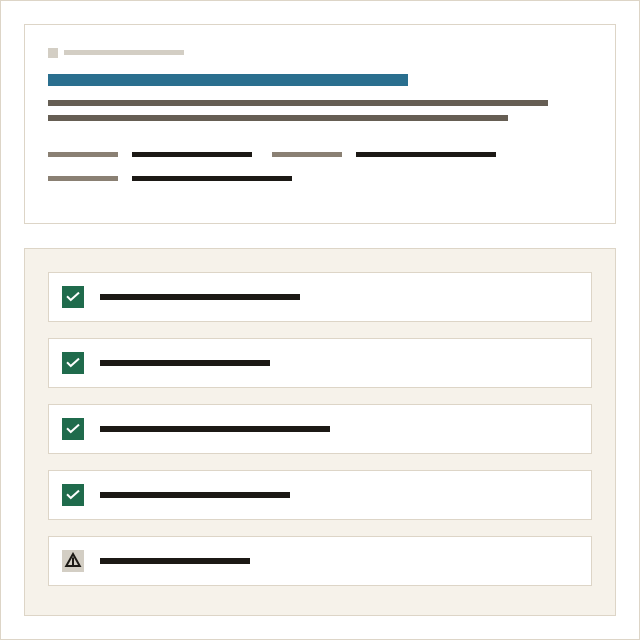
Set up for Google, every time you publish.
A search preview and a short list of checks in the editor; the rest happens on publish.
- Titles and descriptions, with a search preview
- Checks for descriptions, headings, image text
- A sitemap and search rules, written for you
- Your address and hours in the form Google reads
- Search Console verification in Settings
Read by AI assistants, on your terms.
More people ask an assistant before they search. Your site is ready for them.
A plain copy for assistants
Every page is also published as plain text, with a guide file for assistants.
Your choice
Allow assistants, allow them without training on your words, or block them.
Clear facts
Questions and answers, business details and posts are marked up so assistants quote them correctly.
Links back to you
Assistants that cite your site can send people to it.
Questions about search.
Can you promise a first page on Google?
No one can, and we do not. litetile makes sure your pages are fast, readable and correctly described; your words and your reputation do the rest. Read Search basics for small businesses.
What is llms.txt?
A short file at the root of your site that tells AI assistants what your site is and where to read it. litetile writes it on every publish. Read How AI assistants find and recommend small businesses.
How do I stop AI assistants from reading my site?
In Settings, Integrations, set AI crawlers to Block, then publish. See AI assistants in the docs.
Do I need a plugin for search?
No. There are no plugins; everything search needs is built in.
The design work is done. Add your words.
Free for one page, with no time limit.