For studios
Client sites, without starting from zero.
Set each client's brand once and build from sections that already fit. We host every site on the client's own domain.
Why studios use a done design.
A shared system
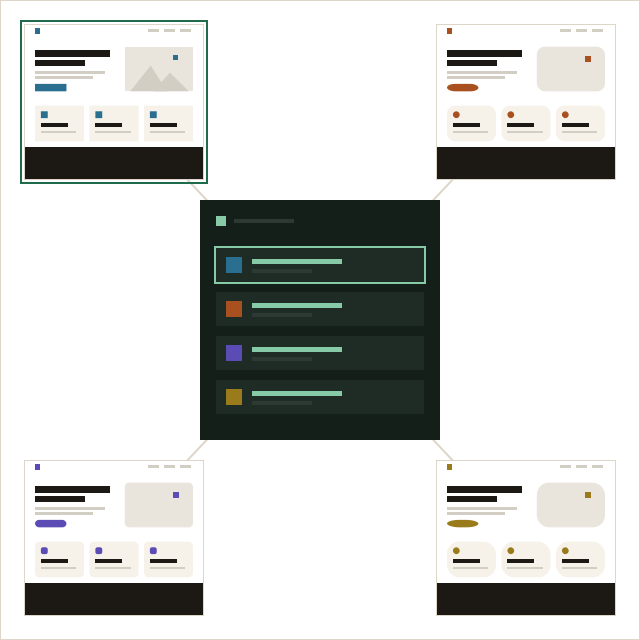
The same sections across clients, each in its own brand.
Their domain, your account
The client points their domain at the site. You keep building it; we host it.
Your assistant
On Studio, connect your AI assistant to draft pages for review.
Safe changes
Every publish is kept; roll back in one step.
One account, every client site.
Each client site has its own brand, domain, languages and plan, and lives in your account. Switch between them from one list.
- A Studio plan per client site
- Live on the client's own domain
- Hosting, certificates and releases handled
Studio
Let your AI assistant draft.
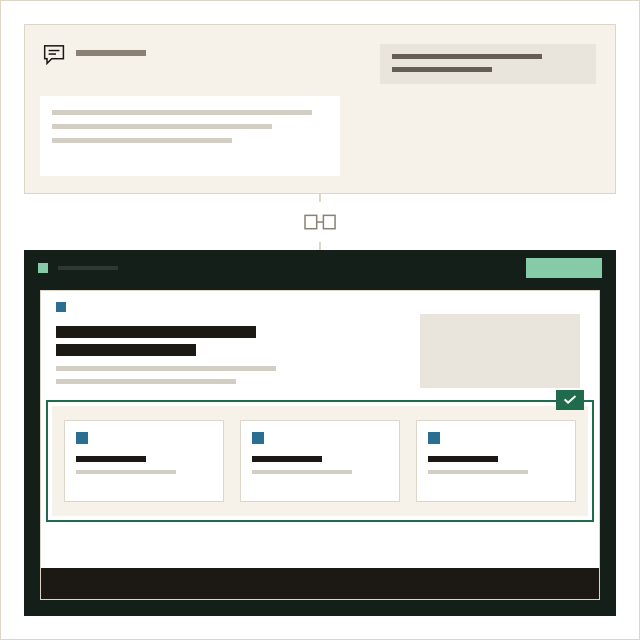
Connect the assistant your studio already uses. It drafts sections and pages from the brief; you review, the client approves, a person publishes.
Questions studios ask.
How does a client's site go live?
You build it in your account and connect the client's domain: they add two records at their registrar, or give you access to do it. litetile hosts the site and renews its certificate. Nothing moves between accounts.
Can my client edit the site themselves?
The site stays in your account, so you make the changes. litetile has no shared editing today.
Can I use my own sections?
No; that is the point. Custom code and the Embed section cover the rest on Studio.
The design work is done. Add your words.
Free for one page, with no time limit.